

Crimson Desert launched on March 19, 2026 to massive hype as one of the year’s biggest open-world action RPGs. With over 2 million copies sold in days and strong critical praise for its massive world and combat, it looked like a breakout hit.
But launch week was rough. Thousands of players on PS5, PS5 Pro, and PC reported frequent crashes — especially map-related freezes on console and black-screen or crash-to-desktop issues on PC. Pearl Abyss has already pushed out multiple patches, and Steam reviews have climbed to “Mostly Positive.”
If you’re stuck with Crimson Desert crashing, you’re not alone. This guide breaks down every major issue, why it happens, and the fixes that are actually working right now.
What’s Causing the Crashes? (Timeline & Known Issues)
- Day-one patch (March 20) addressed basic launch problems.
- Update 1.00.03 (March 23) specifically fixed the PS5 map crash and added a 120Hz mode toggle.
- Latest patch (March 28/29) fixed additional stability, loading times, and frame drops.
Despite the patches, some players still see occasional crashes — especially on high-refresh-rate setups or with certain GPU configurations.
This is exactly why Outage.gg exists. Our live Crimson Desert status tracker shows real-time reports of crashes, server hiccups, and performance issues so you can tell if it’s you or everyone else.
PS5 & PS5 Pro Crashes (Map Crash, Freezes & CE-108255-1 Error)
Why it happened
- UI rendering conflict with 120Hz output.
- Balanced mode + high refresh rate settings.
Fixes that work (post-patch)
- Switch to Performance Mode – Go to in-game graphics settings and change from Balanced to Performance. Many players report zero map crashes after this.
- Disable 120Hz output – On your PS5 settings → Screen and Video → Video Output → 120Hz Output → set to “Off” (or Automatic if still unstable).
- Rebuild Database – Safe mode on PS5 (hold power button until second beep) → Clear Cache and Rebuild Database.
- Latest patch – Make sure you’re on version 1.00.03 or newer — the map crash was explicitly fixed.
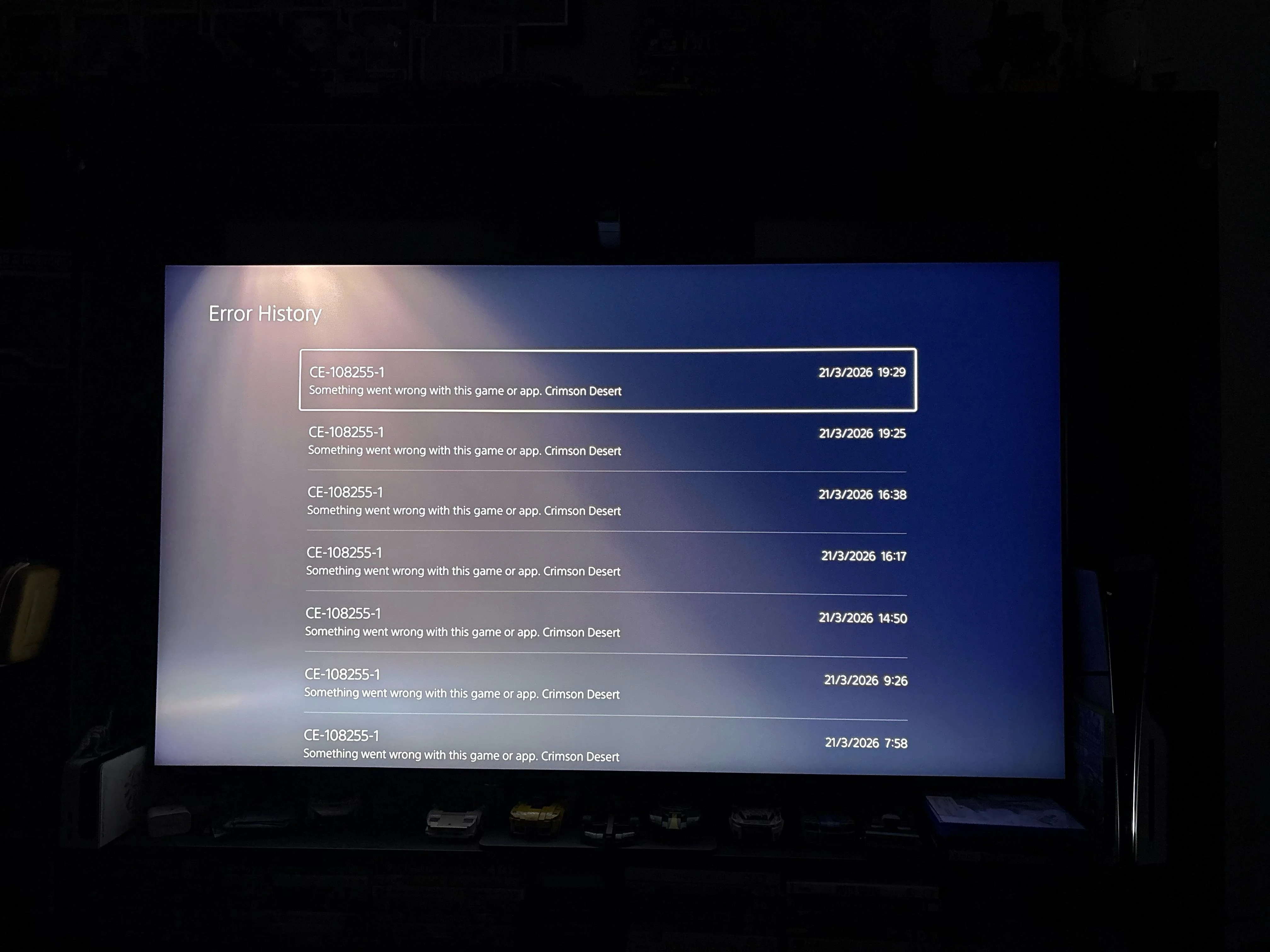
Image credit: Reddit r/CrimsonDesert – PS5 error history showing repeated CE-108255-1 crashes
Other console tips:
- Reinstall the game if crashes persist during cutscenes.
- Avoid playing while the console is in rest mode.
PC Crashes (Black Screen, Crash to Desktop & Driver Issues)
Common PC crash triggers
- NVIDIA DLSS / DLAA conflicts (especially DLAA causing black flickering).
- High refresh rate monitors (144Hz+).
- Overlays (Steam, Discord, NVIDIA).
- Outdated or conflicting GPU drivers.
- Intel Arc GPUs (known launch incompatibility).
Proven PC fixes (step-by-step)
1. Update GPU drivers (clean install)
Use DDU (Display Driver Uninstaller) to remove old drivers, then install the latest from NVIDIA/AMD/Intel.
2. Disable DLSS/DLAA
In-game → Graphics → Upscaling → set to “Off” or switch to DLSS Quality. NVIDIA App users: reset any global overrides for Crimson Desert.
3. Turn off overlays
Disable Steam Overlay, Discord Overlay, and NVIDIA ShadowPlay/GeForce Experience.
4. Lower refresh rate temporarily
Set your monitor to 60Hz in Windows Display Settings while launching the game.
5. Verify game files
Steam/Epic → Right-click Crimson Desert → Properties → Installed Files → Verify integrity.
6. Intel Arc specific
Pearl Abyss recommends contacting support for refunds while a driver/patch is worked on.
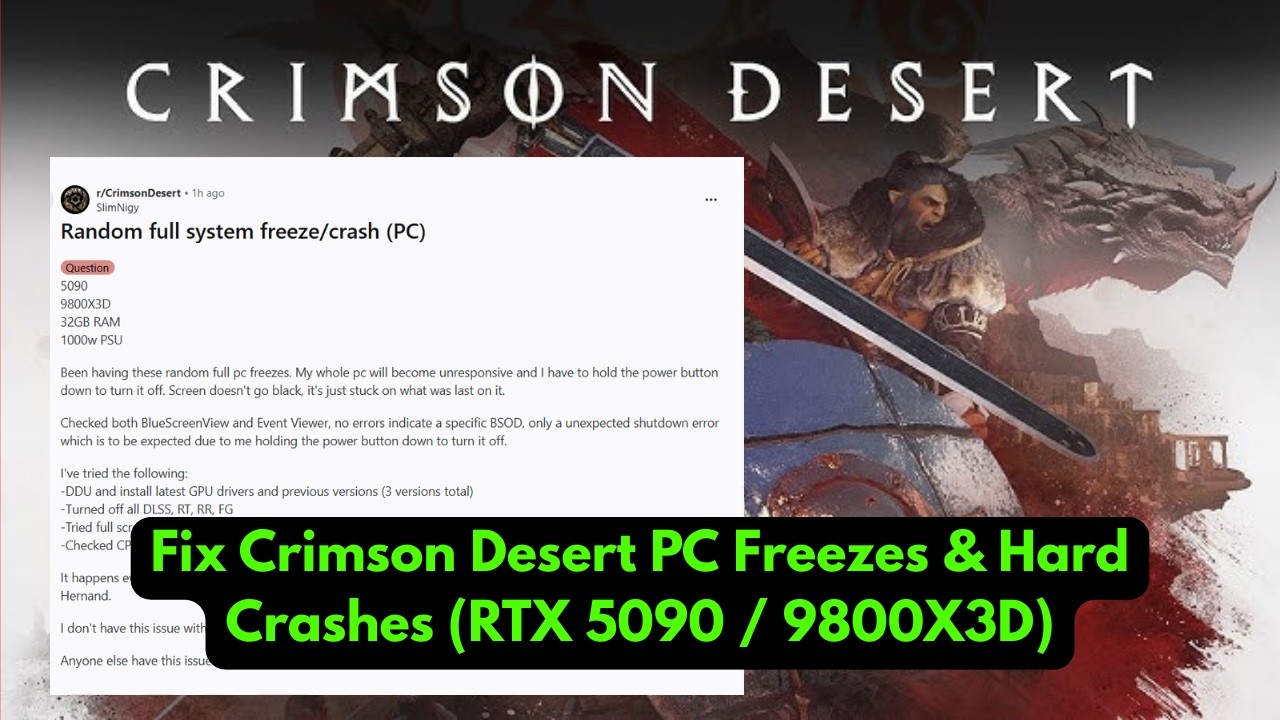
Image credit: YouTube – Fix Crimson Desert PC freezes & hard crashes (RTX 5090 example)
Quick Checklist Before Playing
Looking Ahead: More Patches Coming
Pearl Abyss has been responsive, and the latest patch already improved loading times and fixed several stability issues across platforms. The game’s strong sales mean continued support is guaranteed.
Final Thoughts
Crimson Desert’s launch crashes were frustrating, but most issues have been patched within the first 10 days. With the fixes above, the vast majority of players are now enjoying the game without problems.